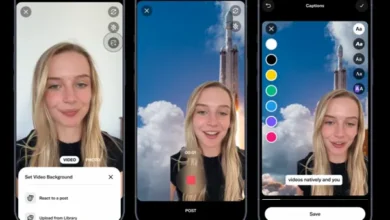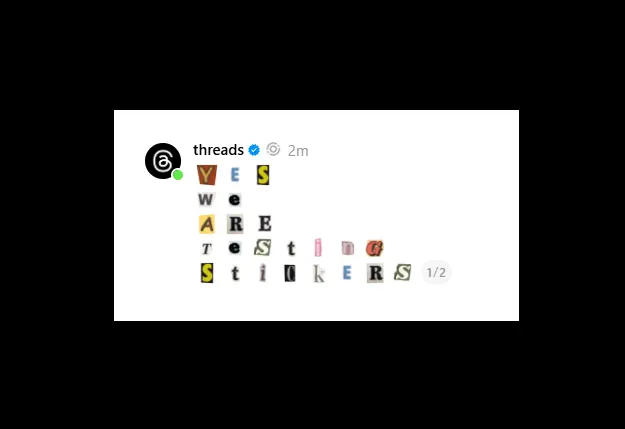
Threads added two new tools to encourage posting behavior, with automated separation of longer text blocks into multiple Threads posts, and animated stickers to make posts stand out in-stream.
First, Threads announced that users can now paste large chunks of text into the Threads post composer, and the app will automatically separate them into linked updates in-stream.
As explained by Threads: “On mobile, when you paste a block of text longer than 500 characters into a new post, we’ll now automatically break it up into multiple posts for you.”
That could make it easier to post more content to the app because now users won’t have to worry about keeping things concise.
Of course, users could already post longer updates within Threads’ text attachment option, which adds a basic text post as an attachment to an update. But this update will ensure that users can post longer passages of text in-stream, which may better align with content consumption behaviors in the app.
Threads is also testing a new option to add animated stickers to posts.
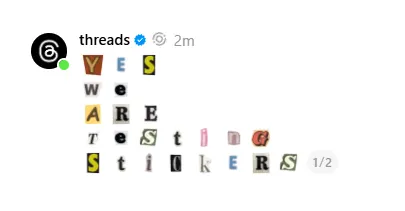
The new animated stickers, first noticed in January by app researcher Alessandro Paluzzi, allow users to activate them by tapping on blank space within the post composer and selecting “Add sticker” from the pop-up menu. They enable users to include moving, surging visuals in their posts. They can even be used for text, and they can certainly make a post stand out, but they’re also a bit of an eyesore, and it could be very old very fast if everyone starts posting these wriggling, pulsing GIF-style mini-animations in their updates.
But it’s another experiment, and it could help facilitate more connection in-stream. It’s likely that the novelty of this will wear off quickly, but if Threads adds a range of animated options, it could be an interesting feature update to help add a little more spice to posts.
No word yet on how Threads users will respond.
Automated separation of longer text is now available to all users, while animated stickers are being tested in some regions.
Source link